 AgentBoard
Documentation: English · Русский · all 24 languages
Download for Windows · Documentation site · MIT license
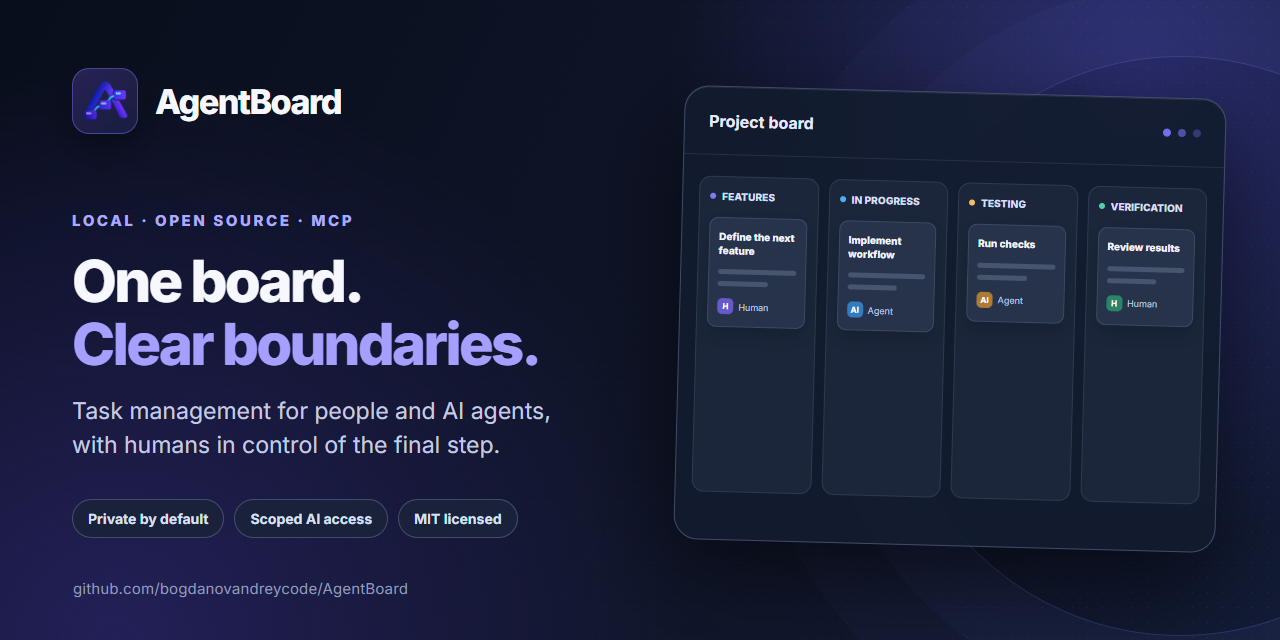
AgentBoard is a local task board where human and AI workers work on common tasks, but have different rights. The application is launched with a single file agentboard.exe, opens the web interface in the browser and provides workers with a separate MCP server via stdio. The data remains on your computer.
Start from scratch · Working with tasks · Connecting AI via MCP · Import JSON · Settings · Solving problems
What the MVP includes
- A local project board with task search, JSON import, custom columns and properties.
- Worker-specific MCP access with explicit AI transitions and human final acceptance.
- Shared task history, testing instructions, artifacts, AI costs and worker connection diagnostics.
- Image and file attachments in Markdown descriptions and comments, with WebP image storage and upload/read access for AI workers over MCP.
- A Windows installer, ZIP and Scoop manifest; the web UI is embedded in the executable.
AgentBoard is designed for a trusted local user. It does not host projects or start AI clients for you; connect an MCP-compatible client to a worker when needed.
In five minutes
- Download the
agentboard-VERSION-windows-amd64-setup.exeinstaller from Releases. It will suggest a folder (by defaultC:\AI\AgentBoard) and add it toPATH. Scoop and ZIP are also available. - Open PowerShell in your project folder, for example
C:\Projects\MyApp. - Run
agentboard init(for ZIP: full path toagentboard.exeandinit). - Execute
agentboard open. This will openhttp://127.0.0.1:7337. - Add a task using the New task button. For an AI worker, open Workers → Add worker, select the client profile and copy the MCP configuration.
If you don't already have a project folder, create one in Windows Explorer. A project can be any folder, even without Git and code.
Installation via Scoop
In PowerShell with Scoop already installed after the release:
scoop install https://github.com/bogdanovandreycode/AgentBoard/releases/latest/download/agentboard.json
agentboard version
For developers there is build from source. The release workflow creates an installer, ZIP and Scoop manifest with SHA-256 from the same artifact. Updating the version installed via Scoop: scoop update agentboard after adding manifest to the bucket; details - release preparation.
How the board is structured
Backlog → Features → In progress → Testing → Verification → Complete
A person can move tasks around the board. AI can only move Features → In progress → Testing → Verification; the final acceptance in Complete is performed by a human. User columns are intended for humans: the task in them remains in the Backlog state for MCP. Test modes: AI, Human and Hybrid. History, tests, artifacts and AI costs are attached to the task.
Commands
agentboard init [--db PATH] [project-path]
agentboard open [--addr 127.0.0.1:7337] [--db PATH] [project-path]
agentboard serve [--addr 127.0.0.1:7337] [--db PATH]
agentboard mcp --worker WORKER_SLUG [--project PROJECT_PATH] [--db PATH] [--allow-project-mismatch]
agentboard version
init registers the folder and writes only .agentboard/project.json to it. Application data is stored in the Windows user configuration directory (%AppData%\AgentBoard\agentboard.db), outside the project and Scoop installation. Attached images are converted to lossless WebP in %AppData%\AgentBoard\images; other files are stored unchanged in %AppData%\AgentBoard\files. SQLite stores references and metadata, never attachment bytes. A custom --db places both folders beside that database. Removing or updating the package does not remove this data. Before transferring it to another computer, stop AgentBoard and copy the database and both attachment folders.
Workers - logical accounts; AgentBoard itself does not run Codex, Claude or any other AI client. The client starts a local MCP process for a specific worker. MCP is the application permission boundary, and for file isolation, use the AI client sandbox.
MCP screenshot tools: get_task returns native image content for screenshots linked in the assigned task description, testing instructions and comments (up to eight images and 8 MiB per automatic preview). get_image(task_id, image_id) opens an individual referenced screenshot when a preview is omitted. To share a screenshot, call upload_image with task_id and either a local path or base64 image data (maximum 20 MiB), then include its returned markdown link in add_history content. Uploads are converted to WebP; the same worker and task visibility restrictions apply to image access.
For developers
Stack: Go, SQLite, official MCP Go SDK, React, TypeScript, Vite, PrimeReact, TanStack Query, dnd-kit. Build frontend first, then Go: ./scripts/build.ps1. Web files are included in the binary via go:embed. The architecture and API are described in doc/ARCHITECTURE.md.
License
AgentBoard is free and open source under the MIT License. You may use it commercially, modify it, fork it and redistribute it while retaining the copyright and permission notice.