 AgentBoard
AgentBoard
Documentation: English · Русский · all 24 languages
Download for Windows · Documentation site · MIT license
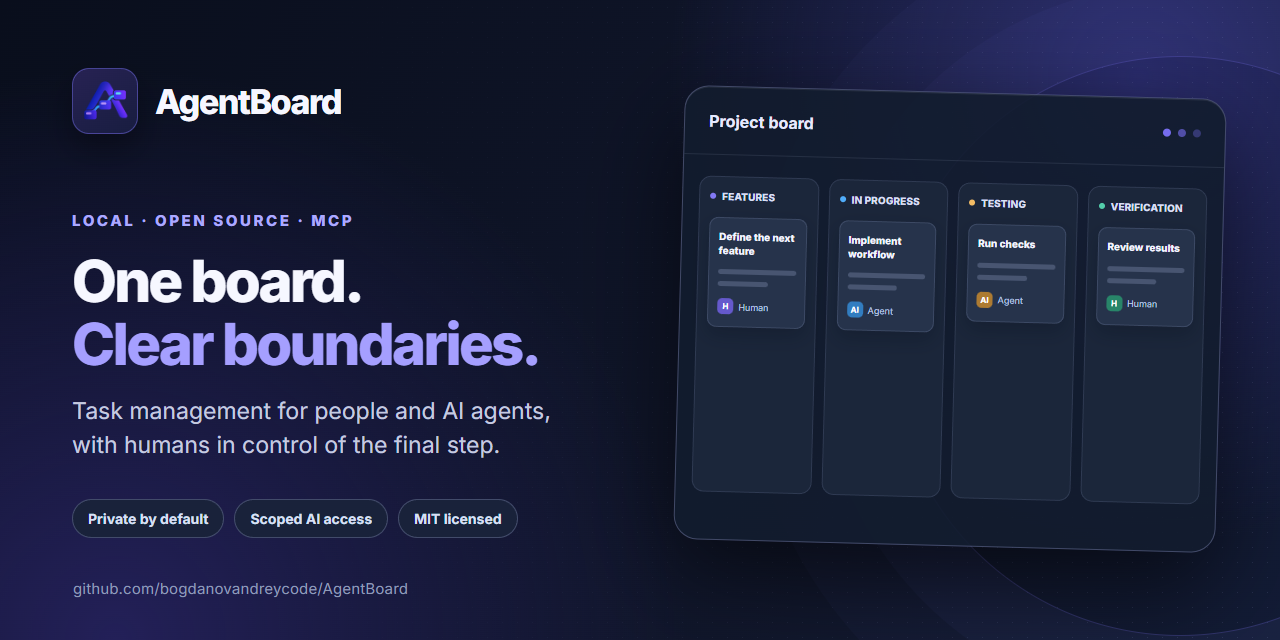
AgentBoard is a local task board where human and AI workers work on common tasks, but have different rights. The application is launched with a single file agentboard.exe, opens the web interface in the browser and provides workers with a separate MCP server via stdio. The data remains on your computer.
Start from scratch · Working with tasks · Connecting AI via MCP · Import JSON · Settings · Solving problems
What the MVP includes
- A local project board with task search, JSON import, custom columns and properties.
- Worker-specific MCP access with explicit AI transitions and human final acceptance.
- Shared task history, testing instructions, artifacts, AI costs and worker connection diagnostics.
- A Windows installer, ZIP and Scoop manifest; the web UI is embedded in the executable.
AgentBoard is designed for a trusted local user. It does not host projects or start AI clients for you; connect an MCP-compatible client to a worker when needed.
In five minutes
- Download the
agentboard-VERSION-windows-amd64-setup.exeinstaller from Releases. It will suggest a folder (by defaultC:\AI\AgentBoard) and add it toPATH. Scoop and ZIP are also available. - Open PowerShell in your project folder, for example
C:\Projects\MyApp. - Run
agentboard init(for ZIP: full path toagentboard.exeandinit). - Execute
agentboard open. This will openhttp://127.0.0.1:7337. - Add a task using the New task button. For an AI worker, open Workers → Add worker, select the client profile and copy the MCP configuration.
If you don't already have a project folder, create one in Windows Explorer. A project can be any folder, even without Git and code.
Installation via Scoop
In PowerShell with Scoop already installed after the release:
scoop install https://github.com/bogdanovandreycode/AgentBoard/releases/latest/download/agentboard.json
agentboard version
For developers there is build from source. The release workflow creates an installer, ZIP and Scoop manifest with SHA-256 from the same artifact. Updating the version installed via Scoop: scoop update agentboard after adding manifest to the bucket; details - release preparation.
How the board is structured
Backlog → Features → In progress → Testing → Verification → Complete
A person can move tasks around the board. AI can only move Features → In progress → Testing → Verification; the final acceptance in Complete is performed by a human. User columns are intended for humans: the task in them remains in the Backlog state for MCP. Test modes: AI, Human and Hybrid. History, tests, artifacts and AI costs are attached to the task.
Commands
agentboard init [--db PATH] [project-path]
agentboard open [--addr 127.0.0.1:7337] [--db PATH] [project-path]
agentboard serve [--addr 127.0.0.1:7337] [--db PATH]
agentboard mcp --project PROJECT_PATH --worker WORKER_SLUG [--db PATH]
agentboard version
init registers the folder and writes only .agentboard/project.json to it. Application data is stored in the Windows user configuration directory (%AppData%\AgentBoard\agentboard.db), outside the project and Scoop installation. Removing or updating the package does not remove this data. Before transferring it to another computer, stop AgentBoard and copy the database.
Workers - logical accounts; AgentBoard itself does not run Codex, Claude or any other AI client. The client starts a local MCP process for a specific worker. MCP is the application permission boundary, and for file isolation, use the AI client sandbox.
For developers
Stack: Go, SQLite, official MCP Go SDK, React, TypeScript, Vite, PrimeReact, TanStack Query, dnd-kit. Build frontend first, then Go: ./scripts/build.ps1. Web files are included in the binary via go:embed. The architecture and API are described in doc/ARCHITECTURE.md.
License
AgentBoard is free and open source under the MIT License. You may use it commercially, modify it, fork it and redistribute it while retaining the copyright and permission notice.